Kids’ First RC Drone: A Beginner Flight Guide for Parents

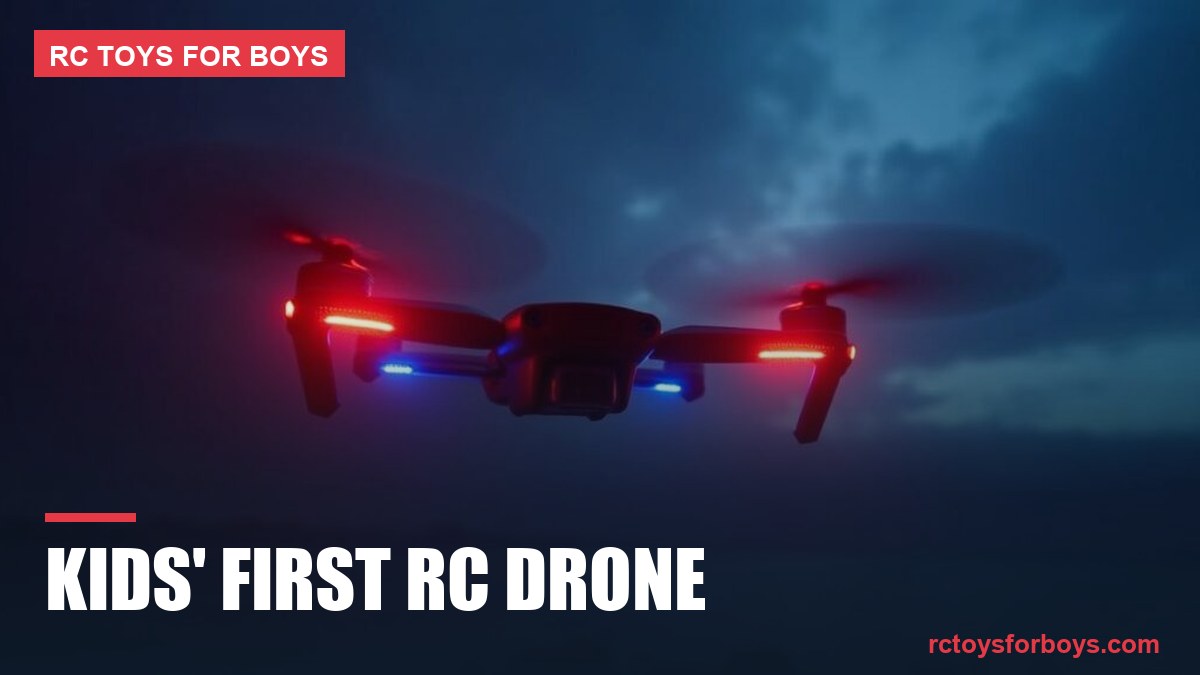
Alright, fellow RC adventurer! You’ve got a fearless kid with a sparkle in their eye, dreaming of soaring through the skies. That’s fantastic! There’s nothing quite like the thrill of seeing a drone take flight for the first time, especially when it’s your child at the controls. This isn’t just about pushing buttons; it’s about developing hand-eye coordination, understanding physics, fostering problem-solving skills, and, most importantly, having an absolute blast. As someone who’s introduced many a newcomer to the amazing world of RC flight, I’m here to guide you through making that first drone experience safe, fun, and utterly unforgettable. Let’s get that little pilot airborne!
Gearing Up for Takeoff: Choosing the Right First Drone
The first step in any great adventure is picking the right gear. For a new pilot, especially a younger one, “more features” doesn’t necessarily mean “better.” Simplicity, durability, and a focus on core flying skills are key. Think of it like learning to drive in an automatic before tackling a manual sports car.
What to Look For in a Beginner Drone
- Durability is Paramount: There will be crashes. It’s not IF, but WHEN. Look for drones made from flexible, impact-resistant plastics. Propeller guards are a huge bonus, protecting both the props and anything (or anyone!) the drone might bump into. Replacable parts are also a good sign.
- Ease of Control: Features like “Altitude Hold” (maintains a consistent height) and “Headless Mode” (drone flies relative to the pilot, not its front) are game-changers for beginners. A simple, intuitive controller is also a must.
- Safety Features: Beyond prop guards, look for emergency stop functions, low battery warnings, and perhaps even automatic landing features.
- Battery Life and Charging: Shorter flight times are typical for smaller, less expensive drones (5-10 minutes). Having extra batteries is almost essential. Consider drones that use common charging methods (USB) for convenience.
- Camera (Optional but fun): Many beginner drones come with cameras (usually 720p or 1080p). While not essential for learning to fly, capturing aerial photos and videos adds another layer of excitement for budding videographers.
- Size and Weight: Smaller, lighter drones (often referred to as micro or mini drones, some weighing under 250 grams) are generally safer to fly indoors or in confined outdoor spaces and are less intimidating for younger pilots.
Understanding Drone Terminology (Briefly)
A few terms you’ll encounter that are good to know:
- Quadcopter: The most common type of drone, featuring four rotors.
- FPV (First Person View): Flying the drone using a screen or goggles that show the camera feed from the drone. It’s an immersive experience, but best saved for after mastering line-of-sight flying.
- Altitude Hold / Hover Assist: A feature that uses sensors to automatically maintain the drone’s height without constant throttle input, making flying much easier.
- Headless Mode: Simplifies controls by ignoring the drone’s actual “front.” Pushing the stick forward always makes the drone fly away from the pilot, regardless of its orientation. Great for initial learning.
- Return-to-Home (RTH): A button press can make the drone fly back towards its takeoff point. Accuracy varies greatly by drone type.
Pre-Flight Checklist: Setting the Stage for Success
Preparation is key, both for safety and for maximizing the fun. Don’t skip these steps – they’re part of the adventure!
- Read the Manual! Seriously: Every drone is different. The manual will explain specific controls, charging procedures, and important safety warnings unique to your model. Have your child read through it with you.
- Charge All Batteries: Make sure the drone’s battery and the controller’s batteries are fully charged. There’s nothing more frustrating than a short-lived first flight. Extra batteries mean more airtime!
- Find Your Flying Zone: For initial flights, choose a large, open space free of obstacles like trees, power lines, buildings, and people. A local park, a large backyard, or even a spacious indoor area (for micro drones) can work. Check local regulations – some areas prohibit drone flight.
- Weather Check: Wind is the enemy of small drones! Even a slight breeze can make a beginner drone uncontrollable. Choose a calm day with minimal to no wind. Avoid rain or damp conditions entirely.
- Safety Briefing: Discuss safety with your child. Emphasize keeping fingers away from propellers, maintaining visual line of sight, and giving way to people or animals. Set clear boundaries for the flying area.
The First Flight: From Ground to Sky
This is where the magic happens! Start slow, be patient, and celebrate every little success.
Learning the Controls: A Step-by-Step Approach
Most toy-grade drones use a standard Mode 2 controller layout:
- Left Stick, Up/Down (Throttle): Controls altitude. Push up to ascend, pull down to descend. Gentle movements are key.
- Left Stick, Left/Right (Yaw): Rotates the drone left or right on its vertical axis (like spinning in place).
- Right Stick, Up/Down (Pitch): Tilts the drone forward or backward, causing it to move in that direction.
- Right Stick, Left/Right (Roll): Tilts the drone left or right, causing it to “strafe” sideways.
If your drone has Headless Mode, engage it for the very first flights. It simplifies directional controls, allowing your child to focus on throttle and basic movement.
Practice Makes Perfect (and Safe)
- Gentle Liftoff and Landing: Start by just getting the drone a few feet off the ground, holding it steady, and then gently landing it. Repeat this until it feels comfortable. Focus on smooth, controlled ascents and descents.
- Controlled Hovering: Once liftoffs and landings are consistent, practice holding the drone in a stable hover at eye level. This is harder than it looks and builds crucial fine motor skills.
- Basic Maneuvers (Forward, Back, Side-to-Side): Gradually introduce moving the drone in different directions. Start with slow, deliberate pushes of the right stick, always being ready to ease off the throttle if it gets too high or too fast.
- Figure Eights and Rotations: As confidence grows, challenge them with more complex patterns. Flying simple figure eights or rotating the drone in place helps develop multi-axis control.
Remember, short, focused practice sessions are better than long, frustrating ones. End on a high note!
Beyond the Basics: Growing as a Pilot
The first drone is just the beginning. As your child gains confidence, they’ll naturally want to explore more advanced techniques and potentially different drones.
Tips for Continued Skill Development
- Practice Regularly: Consistency is key. Even 15-minute sessions a few times a week can make a big difference.
- Watch Tutorials: YouTube is a treasure trove of drone flying tips and tricks. Look for specific tutorials for your drone model.
- Join a Community: Local RC clubs or online forums can provide valuable advice, flying locations, and camaraderie.
- Understand Maintenance: Teach your child how to inspect propellers for damage, replace them when needed, and care for batteries.
- Consider Upgrading: Once they’ve mastered their first drone, they might be ready for something with more advanced features, better cameras, or even FPV capabilities. Brands like DJI offer excellent step-up options once foundational skills are solid.
Our Top Picks for First-Time Pilots
Based on durability, ease of use, and overall fun factor, here are a few types of drones that are perfect for starting out. Remember, specific models change, but these brands consistently deliver great beginner experiences:
Recommendation 1: Holy Stone HS110D or HS190
- Key Features: Often include 720p or 1080p cameras, altitude hold, headless mode, one-key start/landing, and propeller guards. The HS190 is a tiny, foldable option great for indoor use.
- Why it’s great for kids: Very user-friendly, robust build, and an excellent introduction to drone photography/videography without being overwhelming. They often come with multiple batteries.
Recommendation 2: Ryze Tello (Powered by DJI)
- Key Features: Advanced flight stability thanks to DJI technology, 720p HD camera, programmable with Scratch, “Throw & Go” feature, vision positioning system for stable hovering.
- Why it’s great for kids: Combines ease of use with educational potential. Its stability makes it incredibly forgiving, and the coding aspect adds a unique learning dimension for older kids (8+).
Recommendation 3: Eachine E010 or E0160
- Key Features: Ultra-small, enclosed propeller design (often known as a “tiny whoop” style), very durable, simple controls, excellent for indoor flying.
- Why it’s great for kids: Almost indestructible for indoor bumps and crashes. Its small size makes it less intimidating, and it’s fantastic for developing precise control in a safe environment. Very affordable way to get started.
Recommendation 4: Syma X5C or X20
- Key Features: The X5C is a classic outdoor beginner drone with a camera, known for its stability. The X20 is a smaller, often palm-sized version suitable for indoor/gentle outdoor flying with altitude hold.
- Why it’s great for kids: Syma drones offer good value, a gentle learning curve, and are widely available. Their spare parts are usually easy to find, which is a big plus for beginners.
Frequently Asked Questions (FAQ)
- Q: How old should my child be to start flying a drone?
- A: While many toy drones are rated for ages 8+, some simpler micro drones can be managed by kids as young as 6 with close supervision. Ultimately, it depends on your child’s maturity, attention span, and fine motor skills. Start with something simple and be present to guide them.
- Q: What’s the best place to fly a drone?
- A: For beginners, a large, open field with no obstructions (trees, power lines, buildings) and away from people or animals is ideal. Always check local regulations for drone flight, as some areas (like national parks or near airports) are restricted.
- Q: My drone keeps drifting. What should I do?
- A: Most drones have a “trim” function on the controller to correct unwanted drift. Consult your drone’s manual for specific instructions on how to adjust the trim. Also, ensure you calibrate the drone’s gyroscopes on a flat surface before each flight.
- Q: How can I make the batteries last longer?
- A: While you can’t increase the inherent flight time, you can prolong battery life. Store batteries at room temperature, avoid fully discharging them, and don’t overcharge them. Having multiple spare batteries is the best way to extend your flying sessions!
Watching your child’s face light up as their drone hovers for the first time, or lands successfully after a short flight, is a truly rewarding experience. You’re not just giving them a toy; you’re opening a gateway to a fascinating hobby, teaching them patience, precision, and the thrill of exploring new skills. So, charge up those batteries, find your open field, and get ready to ignite their passion for flight. Happy flying, and may your skies be clear!
Similar Drone Picks
🏁 Don't Overpay for Your Kid's Next RC Toy
Get our free Dad's RC Buying Guide + weekly deal alerts on the best RC cars, trucks & drones. No spam, just the good stuff.